


Kubernetes makes scaling applications straightforward. It can also make overspending surprisingly easy. Clusters become overprovisioned, idle resources accumulate, and cloud bills grow faster than engineering teams can explain. The issue is rarely Kubernetes itself, but the lack of visibility and control over how resources are consumed.
Studies consistently show that the average Kubernetes cluster operates at only 35 to 50% resource utilization, leaving a significant portion of cloud spend tied to idle capacity. In organizations running multiple clusters across environments, that inefficiency can quietly grow into six or seven-figure annual waste. As Kubernetes adoption expands, cost complexity has become one of the most persistent operational challenges facing platform engineering teams.
The strongest Kubernetes cost optimization platforms do more than monitor usage. They track resource allocation at the pod, namespace, and workload level, then apply automated adjustments that reduce waste without compromising performance or reliability. The platform a team chooses directly shapes how much visibility, operational control, and measurable savings it can achieve in production.
Below is a quick look at the 10 Kubernetes cost optimization tools:
- Rackspace Spot
- CAST AI
- CloudZero
- ScaleOps
- Finout
- Harness CCM
- PerfectScale
- Portainer
- Kubecost
- Zesty
TL;DR
Kubernetes cost optimization in 2026 demands dedicated tooling. Recent research shows organizations without FinOps programs waste 32 to 40% of cloud spend, while mature teams reduce that figure to 15 to 20%. The Rackspace Spot State of Spot 2026 report also found that 86% of cloud environments still lack Horizontal Pod Autoscaling, a gap that quietly drives unnecessary infrastructure spend across production systems.
The tools that consistently stand out share three characteristics: deep cost attribution, automation that applies changes instead of only recommending them, and transparent pricing. Organizations that combine all three often reduce Kubernetes infrastructure spend by 30 to 50% without sacrificing performance.
Through auction-based pricing, Rackspace Spot approaches the problem at the infrastructure layer, offering clusters from $0.72 per month and savings of up to 90% compared to on-demand rates, with no long-term contracts required.
Rackspace Spot stands as one of the most complete Kubernetes cost optimization platforms available to engineering teams today.
What is Kubernetes cost optimization
Kubernetes cost optimization is the continuous practice of aligning resource allocation, autoscaling behavior, instance purchasing strategy, and spend attribution across clusters without degrading performance or slowing developer velocity. It touches engineering, operations, and finance at the same time, which is why ownership rarely sits with a single team.
Kubernetes also introduces a genuine visibility problem. The platform pools compute across workloads by design, making it difficult to trace infrastructure spend back to the workloads generating it. Cloud bills expose EC2 or GCE line items, but they do not show which namespace, pod, or service consumed the resources behind those charges. Teams operating without granular attribution often make optimization decisions with incomplete data.
Effective cost strategies usually depend on three capabilities: visibility into spend at the namespace, workload, and pod level alongside trend analysis and unit economics; automation through continuous rightsizing, autoscaling, and spot orchestration; and governance through budget controls, policy enforcement, and team accountability that keeps waste from returning after each optimization effort.
Rackspace Spot approaches the problem at the infrastructure layer by lowering the underlying compute cost before monitoring and optimization tooling enter the picture, giving teams a financial advantage that visibility platforms alone cannot provide.
Comparing the top 10 Kubernetes cost optimization tools
Top 10 Kubernetes Cost Optimization Tools
The tools below cover the full spectrum of Kubernetes cost optimization, from infrastructure-level compute pricing to workload rightsizing, cost visibility, and FinOps governance.
1. Rackspace Spot
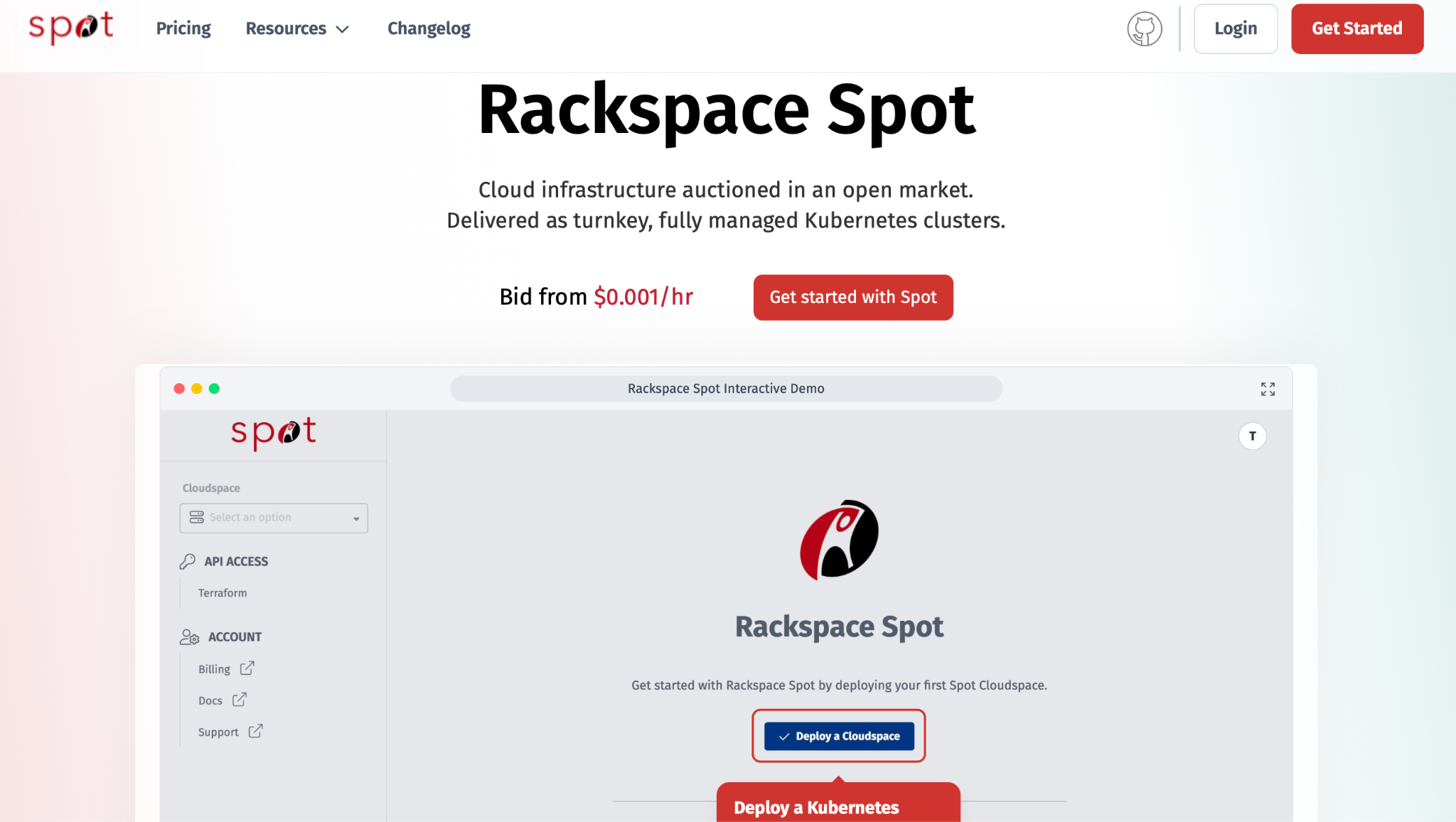
Rackspace Spot approaches Kubernetes cost optimization from the infrastructure layer, using an open market auction model to deliver fully managed Kubernetes clusters at a fraction of typical hyperscaler pricing. Most cost optimization platforms operate further up the stack, identifying overprovisioned workloads or recommending rightsizing adjustments after resources are already running. Rackspace Spot reduces compute cost before workloads are scheduled onto the cluster.
The platform auctions compute capacity in real time, allowing teams to bid for server resources based on live market supply and demand, then provisions those resources as managed Kubernetes clusters. Built for developers, DevOps engineers, SREs, and cost-conscious platform teams, Rackspace Spot offers a lower-cost path to running Kubernetes at scale without sacrificing operational flexibility.
According to the State of Rackspace Spot 2026 report, 98% of organizations on the platform have adopted GitOps, roughly double the broader industry average. For startups and scale-ups operating Kubernetes under tight infrastructure budgets, that level of automation maturity combined with auction-based pricing makes Rackspace Spot particularly attractive for controlling long-term compute spend.
Key Features
- Real-time bid-based compute pricing: Teams define their own maximum bid, while the open market determines the final server price based on live supply and demand. That visibility gives engineering teams tighter control over compute costs
- Zero-cost hosted control plane: The Kubernetes control plane is fully managed and included at no additional charge. By comparison, hyperscalers can charge up to $72 monthly per cluster for control plane access alone
- Stateful workload resilience: Persistent storage migrates automatically when a spot server is recycled, allowing stateful applications to continue operating on auction-based infrastructure with minimal disruption
- GitOps-ready infrastructure: Terraform provider support, alongside the spotctl CLI, enables infrastructure-as-code management across development, staging, and production environments
Preemption transparency and alerts: Teams receive visibility into pricing and capacity conditions before bidding, alongside real-time Slack webhook alerts when node preemption events occur.
Pros
- Savings of up to 90% compared to traditional on-demand cloud pricing, with market prices starting from $0.001 per hour per server
- Second-by-second billing with no minimum commitments, reserved instances, or savings plans required
- New clusters provision in 2 to 3 minutes via web dashboard, CLI, or Terraform
- Integrates cleanly with Argo CD and Spinnaker across development, staging, and production environments
- Multi-bid pricing lets teams apply higher bids for control plane stability and lower bids for worker node savings within the same cluster
Cons
- Rackspace Spot currently supports only managed PostgreSQL as its Database-as-a-Service offering, compared to the broader range of managed database services available from other cloud providers
- Smaller regional footprint: fewer data center locations than hyperscalers, which limits options for latency-sensitive or globally distributed deployments
- Server variety is limited to Rackspace's cloud capacity pool: teams needing specific instance configurations may find fewer compute options than hyperscalers provide
- Smaller global community and fewer third-party native integrations compared to AWS EKS and Google GKE
Pricing
Compute pricing follows an open market auction model with second-by-second billing. The Kubernetes control plane is included at no charge. Clusters start from $0.72 monthly, while add-ons such as persistent volumes, load balancers, and high-availability control planes follow a predictable usage-based pricing structure. Market rates start from $0.001 per hour per server.
2. CAST AI
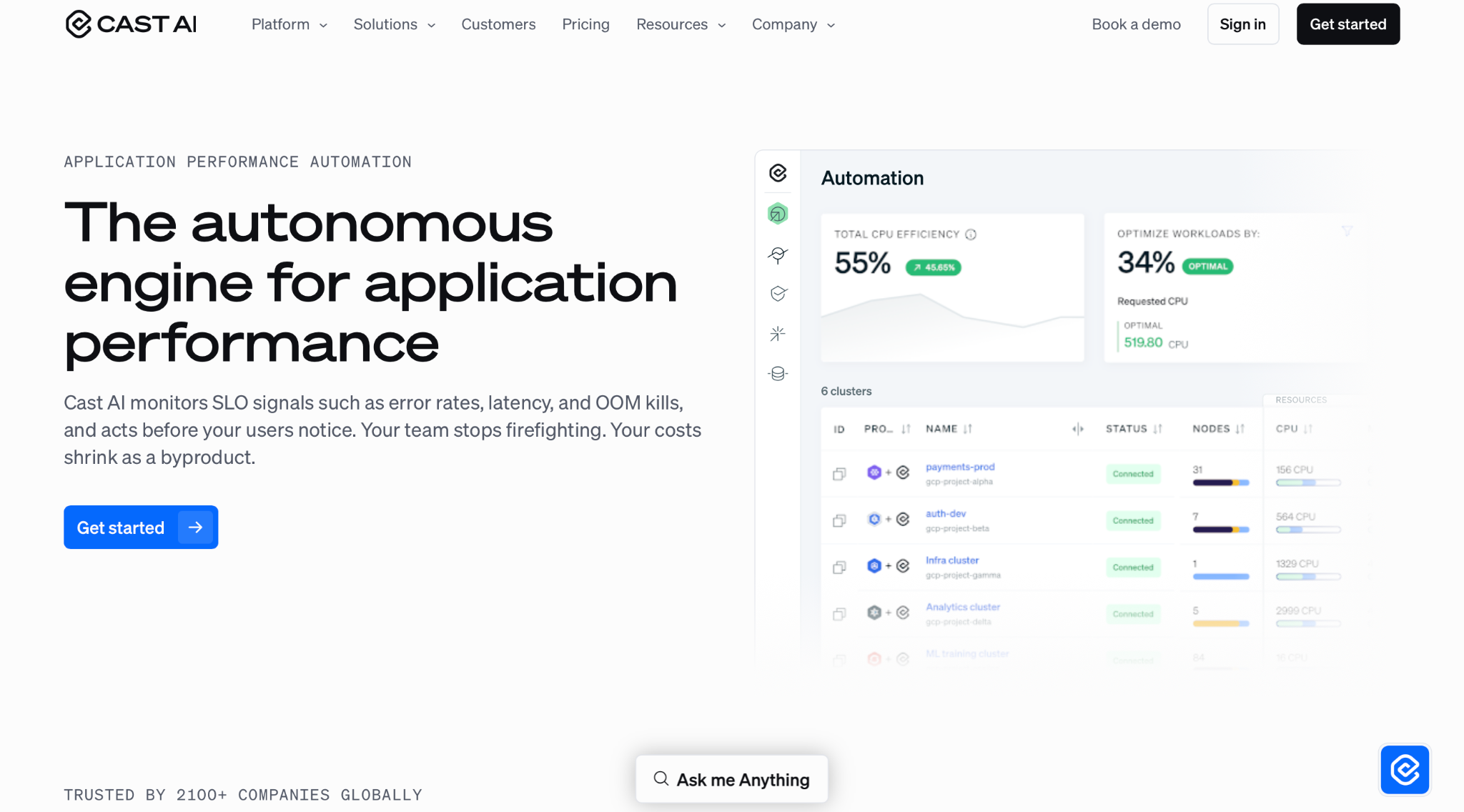
CAST AI is an autonomous Kubernetes optimization platform focused on workload rightsizing, automated node scaling, and spot instance orchestration across EKS, AKS, GKE, and Oracle Kubernetes. The platform targets engineering teams managing large Kubernetes environments with persistent overprovisioning issues.
Key Features
- Autonomous rightsizing: Continuously adjusts CPU and memory allocation according to live workload behavior, helping teams reduce excess capacity while maintaining application stability
- Predictive spot management: Anticipates spot interruptions up to 30 minutes ahead and migrates workloads before users are affected
- Bin packing: Consolidates workloads onto fewer nodes, removing empty ones without disrupting stateful apps or long-running jobs
- Commitment optimization: Automates Reserved Instance and Savings Plan management across all clusters
Pros
- Deep automation capabilities allow clusters to respond dynamically to changing workload demand
- Users frequently report infrastructure savings approaching 50% within the first few months of deployment
- Supports EKS, AKS, GKE, and Oracle Kubernetes through a centralized control plane
Cons
- Kubernetes-only scope misses RDS, S3, Lambda, and VMs entirely, leaving a significant portion of most organizations' cloud bills unoptimized
- Per-CPU pricing can become expensive for smaller teams or clusters with stable resource usage
- Some verified users report automation conflicts that pushed EKS clusters beyond capacity limits, leaving workloads in a pending state
- Lacks budget enforcement, chargeback, and policy automation for enterprise FinOps teams
Pricing
CAST AI uses usage-based pricing tied to CPU hours consumed across Kubernetes clusters. A free tier provides visibility features, while automation capabilities require a paid plan. Exact pricing is available directly from the company.
3. CloudZero
CloudZero is a cloud cost intelligence platform designed to connect Kubernetes and multi-cloud spending directly to business outcomes. Its machine learning engine organizes cloud spend automatically, links infrastructure costs to the activity generating them, and tracks spending patterns across AWS, GCP, Azure, Kubernetes, and SaaS environments.
Key Features
- CostFormation: Organizes cloud spending using code artifacts instead of relying entirely on manual resource tagging, helping teams structure cost data even in poorly tagged environments
- Kubernetes hourly allocation: Provides container-level cost breakdowns by namespace and label while connecting Kubernetes usage to broader cloud spending trends
- AI anomaly detection: Compares current hourly spend against up to 12 months of historical patterns and alerts engineers when unusual activity appears
- Unit economics: Tracks metrics such as cost per customer and cost per feature across Kubernetes and microservices-based systems
Pros
- Ingests data from 50+ cloud, data, and AI providers in one unified view
- Strong Kubernetes cost visibility across providers and workload types
- Slack-based alerts place spend insights directly in front of engineering teams during active workflows
Cons
- Visibility-only platform: surfaces recommendations but does not execute them
- Pricing is not publicly listed and requires a direct sales engagement
- Kubernetes optimization insights lack dedicated rightsizing recommendations over time
- Custom reporting and filtering options lag behind more mature FinOps platforms
Pricing
CloudZero uses a tiered pricing model based on the amount of monthly cloud spend under management. Pricing details are available directly through the company, and unlimited users are included across all plans.
4. ScaleOps
ScaleOps is an autonomous Kubernetes resource optimization platform focused on real-time pod rightsizing, replica management, and node utilization efficiency. It runs as a self-hosted component inside the cluster, keeping optimization logic and operational data within the organization’s environment rather than relying on an external control plane.
Key Features
- Real-time pod rightsizing: Adjusts CPU and memory requests based on live workload behavior and applies changes directly within the cluster
- Proactive replica management: Scales application replicas ahead of demand rather than reacting to traffic spikes
- Smart bin packing: Removes unevictable pods blocking node density and consolidates compute onto fewer, fuller nodes
- JVM-aware optimization: Uses heap usage and garbage collection signals to improve tuning accuracy for Java-based workloads
Pros
- Designed to work alongside existing autoscaling tools such as HPA, KEDA, and Karpenter without replacing them
- Quick Helm-based deployment, with measurable cost savings typically observed within a few days of rollout
- Adopted in production environments by companies such as Adobe, Wiz, DocuSign, and Salesforce
Cons
- Focuses strictly on the pod layer, without addressing instance selection, Reserved Instances, Savings Plans, or broader multi-cloud cost strategies
- Optimization decisions are not always fully transparent, which can slow initial trust-building and debugging workflows
- Limited chargeback and showback capabilities compared to dedicated FinOps platforms
- Frequent release cadence may introduce operational overhead in tightly controlled environments
Pricing
ScaleOps uses cluster-based pricing with no publicly listed tiers. A free trial is available, and detailed pricing is provided through direct engagement with the vendor.
5. Finout
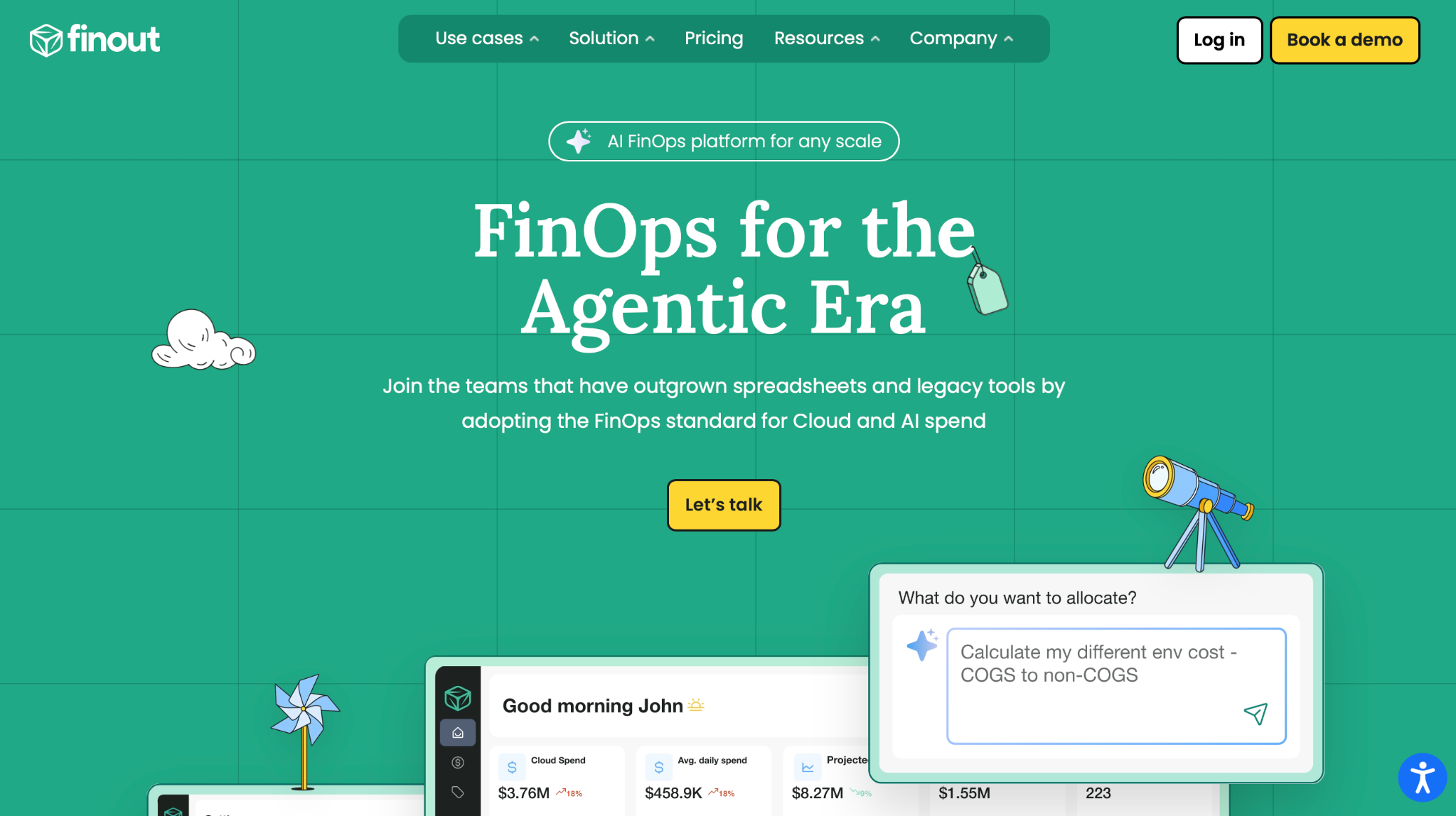
Finout is an enterprise FinOps platform built to give engineering and finance teams a unified view of cloud and software spending. Its MegaBill aggregates billing data from AWS, GCP, Azure, Kubernetes, Snowflake, Datadog, Databricks, and other services into a single cost model, allowing organizations to understand total spend across their entire infrastructure stack.
Key Features
- MegaBill: Consolidates billing across cloud, Kubernetes, and SaaS providers into a single dashboard for unified cost visibility
- AI-powered virtual tagging: Maps 100% of spend, including untagged resources, to teams and services without requiring changes to existing tagging structures
- CostGuard: Continuously scans for idle and over-provisioned resources across environments to surface optimization opportunities
- Anomaly detection: Sends real-time alerts on unusual spending patterns through Slack, Microsoft Teams, and ServiceNow
Pros
- No-code, agentless setup that integrates with existing Prometheus or Datadog environments
- Broad coverage across AWS, GCP, Azure, OCI, Kubernetes, Snowflake, Datadog, and other SaaS platforms
- Strengthens collaboration between finance and engineering through shared cost dashboards and accountability models
Cons
- Primarily recommendation-driven, requiring teams to manually execute most optimization actions
- Kubernetes-level rightsizing insights lack deep granularity for advanced workload tuning
- Initial setup and configuration can feel complex due to the breadth of features
- Limited API flexibility makes external data extraction and automation workflows harder to build
Pricing
Finout uses a usage-based pricing model, typically around 1% of total monthly cloud spend. All plans include unlimited users regardless of tier. A demo is available on the company’s website, while exact pricing is provided through direct engagement.
6. Harness CCM
Harness Cloud Cost Management (CCM) is an AI-powered FinOps module within the Harness Software Delivery Platform. It provides cost visibility, optimization, and governance across AWS, Azure, GCP, and Kubernetes, with a focus on DevOps and engineering-driven cost control.
Key Features
- Granular Kubernetes cost allocation: Breaks down cluster spend across namespaces, workloads, nodes, pods, and labels for detailed cost attribution
- Cloud AutoStopping: Automatically identifies idle resources and shuts them down when not in use, reducing non-production costs significantly
- AI anomaly detection: Detects unusual spending patterns in real time and surfaces them before they escalate into larger cost issues
- Asset governance: Enforces budget controls and compliance policies using YAML-based governance-as-code workflows
Pros
- Hourly cost insights at cluster, namespace, and deployment level
- Supports EKS, GKE, AKS, and on-premises OpenShift alongside existing CI/CD workflows
- Free Forever plan covers up to $250K per month, 2 Kubernetes clusters, and 10 AutoStopping rules
Cons
- Enterprise tier requires direct engagement for pricing, which can be restrictive for smaller teams
- AutoStopping behavior has reported reliability issues in some environments, particularly around traffic detection consistency
- Limited ability to apply multiple simultaneous filters by account or service dimension
- Initial setup and configuration can take time in large or highly segmented enterprise environments
Pricing
The Free Forever plan covers up to $250K in monthly cloud spend, 2 Kubernetes clusters, and 10 AutoStopping rules at no cost. The enterprise plan includes unlimited clusters and full feature access, with pricing provided through direct engagement with Harness.
7. PerfectScale
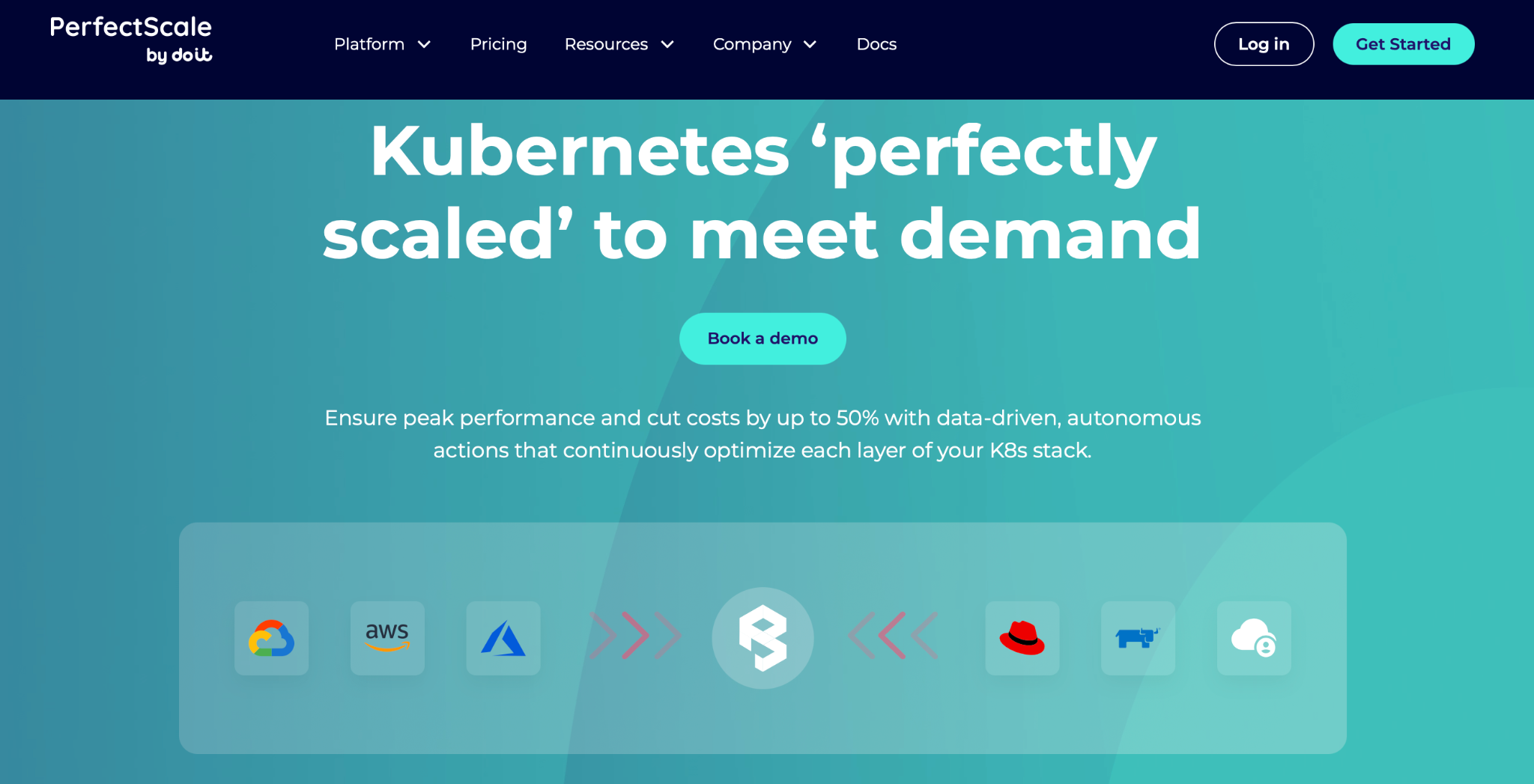
PerfectScale is an automated Kubernetes optimization platform by DoiT that rightsizes every layer of the K8s stack to reduce costs by up to 50% across EKS, GKE, AKS, OpenShift, and Rancher. A lightweight, stateless agent runs inside the cluster with minimal overhead, collecting real-time utilization data used to generate CPU, memory, and node group recommendations.
Key Features
- Autonomous pod rightsizing: Applies CPU and memory adjustments across namespaces and containers
- Node group optimization: Identifies unused capacity and recommends optimal node configurations
- GPU optimization: Real-time GPU utilization visibility for AI and ML workloads on Kubernetes
- Karpenter integration: Works alongside Karpenter and Cluster Autoscaler without replacing existing setups
Pros
- Users report significant cost savings alongside a reduction in resiliency issues during optimization cycles
- The stateless agent installs without re-architecting existing infrastructure, with measurable savings appearing within days
- Adopted in production by teams at Paramount Pictures, Fiverr, and Monday.com for continuous Kubernetes optimization
Cons
- Optimizes Kubernetes only; managed databases, VMs, and SaaS workloads fall outside its scope
- Bursty workloads need manual validation before rightsizing changes are applied
- Service restarts required when applying changes; no in-place reallocation
- Limited visualization formats; tabular views missing for complex cross-team reporting
Pricing
A free Community plan covers up to 300 monthly vCPUs with no credit card required. Advanced tiers (Expert and Enterprise) use custom pricing based on cluster scale, with volume discounts available on request.
8. Portainer
Portainer is a lightweight, self-hosted container management platform giving DevOps and IT teams full operational control over Kubernetes, Docker, and Podman through a web-based interface, with no CLI expertise required. Trusted across financial services, manufacturing, energy, and healthcare by over 650,000 active users worldwide.
Key Features
- Multi-cluster fleet management: Centralizes governance across Kubernetes, Docker, and edge from one dashboard
- GitOps-driven deployments: Manages applications from Git repositories across stacks and environments
- Role-based access control: Enforces Kubernetes native RBAC cluster-wide or scoped to namespaces
- Edge and air-gapped support: Governs industrial IoT, edge, and air-gapped deployments from a centralized console
Pros
- Spins up within minutes as a container, with no complex configuration required
- Community Edition covers up to 3 nodes with full features at no cost
- Works across any cloud, on-premises, or edge environment with no vendor dependency
Cons
- Provides operational control but does not analyze spend, rightsize, or reduce cloud bills directly
- Advanced RBAC, unlimited environments, and registry management require paid plans
- Starter plan restricted to organizations under $50M annual revenue
- No native job scheduler; automated container restarts need external tooling
Pricing
Community Edition is free for up to three nodes with no credit card required. The Starter plan begins at $99 per month for five nodes, while the Scale plan starts at $199 per month. Enterprise pricing requires contacting Portainer directly.
9. Kubecost
IBM Kubecost, now part of Apptio, is a widely adopted Kubernetes cost monitoring platform that installs via Helm in under five minutes. It maps spend down to pod, namespace, deployment, and label level without sending usage data outside the cluster. Built on OpenCost, a CNCF open-source project, it integrates into IBM’s broader FinOps ecosystem alongside Cloudability and Turbonomic.
Key Features
- Granular cost allocation: Allocates spend by namespace, deployment, service, and label; reconciles against AWS, GCP, Azure, and Oracle billing
- Unified monitoring: Combines in-cluster costs with RDS, BigQuery, and S3 for full infrastructure visibility
- Dynamic rightsizing: Detects overprovisioned resources and idle workloads at pod, container, and volume level
- Budget governance: Real-time alerts via Slack and PagerDuty to catch cost overruns before month-end
Pros
- Installs via Helm in under five minutes; no infrastructure changes needed
- Built on OpenCost, a CNCF-certified standard, with enterprise features layered on top
- Available as self-hosted for data residency control or fully managed SaaS
Cons
- Kubernetes-focused scope leaves compute, storage, and serverless workloads outside coverage
- vCPU-based pricing scales significantly in large multi-cluster environments
- IBM ownership introduces concerns around roadmap direction and long-term pricing structure
- Automation remains limited, with most optimization actions requiring manual approval
Pricing
The Foundations tier is free for up to 250 cores with 15-day metric retention and unlimited users. Enterprise Self-Hosted and Enterprise Cloud plans support unlimited cores and clusters, with pricing available on request from IBM Apptio.
10. Zesty
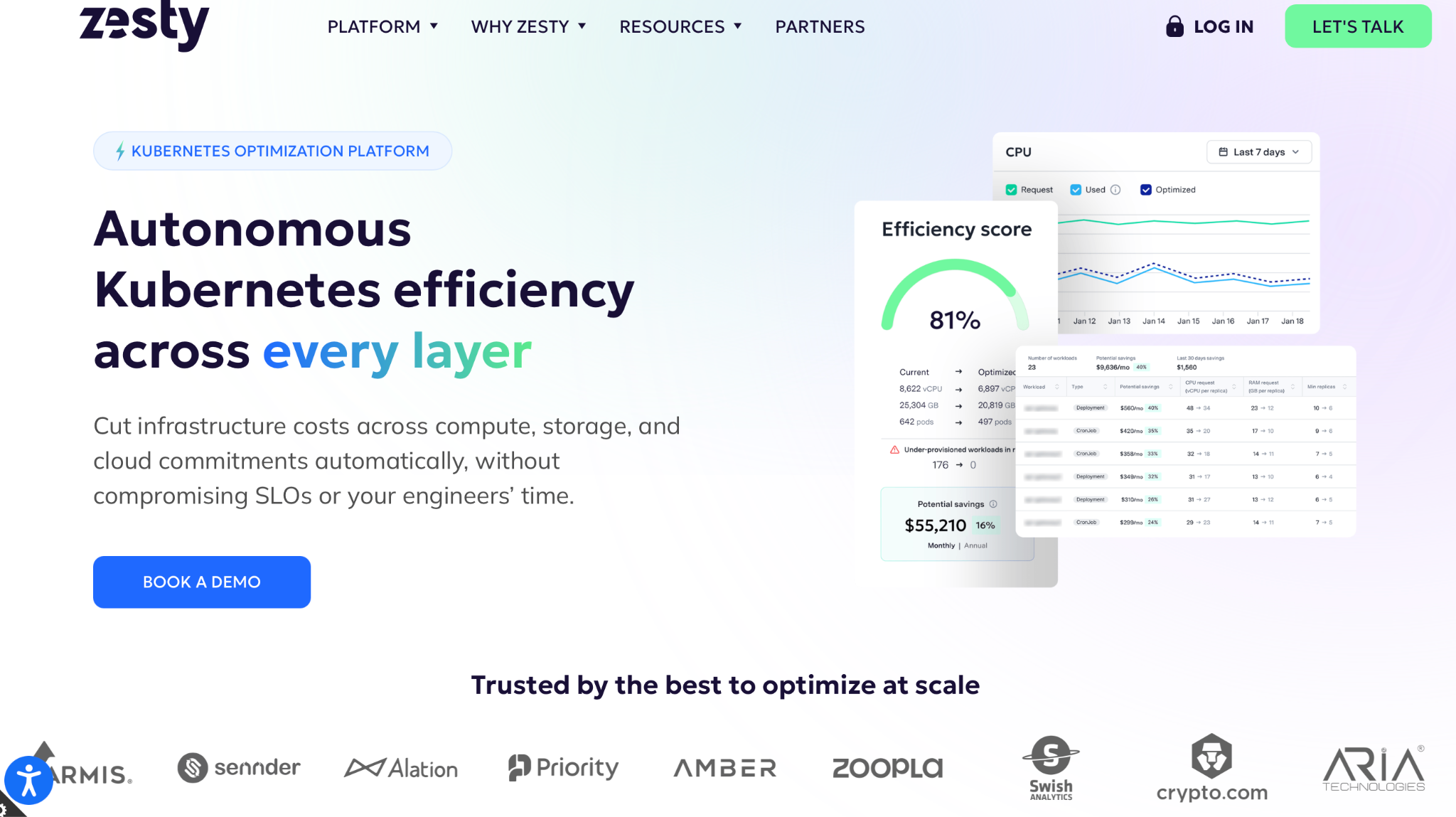
Zesty is a cloud infrastructure optimization platform that reduces Kubernetes and AWS costs through automation and machine learning. It eliminates resource waste across compute, storage, and cloud commitments while continuously adjusting infrastructure usage. It manages more than $5 billion in AWS spend across 3,000 accounts through its Kompass Kubernetes platform.
Key Features
- Multi-dimensional autoscaling: Combines HPA and VPA simultaneously in real time, aligned to workload demand
- HiberScale: Hibernates nodes and deploys them in 30 seconds for safe spot instance adoption
- Persistent volume autoscaling: Scales EBS and Kubernetes PVs to match real-time cluster needs
- AWS Commitment Manager: Automates Savings Plans and Reserved Instances using ML for workload coverage
Pros
- Set and forget: once onboarded, cost savings continue automatically with no ongoing engineering input
- Charges a percentage of verified savings rather than a fixed subscription fee
- Teams see measurable savings within 10 days of connecting cost and usage data
Cons
- Primarily AWS-focused; confirmed GCP support is not publicly documented
- No allocation dashboards or forecasting; teams needing FinOps governance need a separate platform
- Container rightsizing depth is less granular than dedicated Kubernetes optimization tools
- Full coverage needs multiple modules; combined pricing can add up for larger environments
Pricing
Kompass and Disk are priced based on actively managed resources. Commitment Manager operates on a percentage of verified savings. A base fee provides access to Zesty Insights. Pricing is not publicly disclosed and is available on request.
Where to start with Kubernetes cost optimization
Choosing a Kubernetes cost optimization tool starts with understanding where inefficiencies actually exist. Infrastructure-level inefficiencies and workload-level inefficiencies require different approaches, and the order of focus determines how much impact optimization efforts will have.
For most teams, compute spend delivers the highest return. Workload-level tools optimize resources that are already running on an inefficient infrastructure baseline, which limits the total savings achievable. Addressing cost at the infrastructure layer strengthens every optimization applied above it.
Rackspace Spot addresses exactly that layer. Auction-based pricing, a zero-cost control plane, no long-term contracts, and clusters deployable in minutes deliver an immediate infrastructure cost advantage.
Ready to cut Kubernetes infrastructure costs from the ground up? Visit spot.rackspace.com.
Frequently Asked Questions
What is a Kubernetes cost optimization tool?
A Kubernetes cost optimization tool helps teams reduce cloud spend by surfacing resource waste and, on autonomous platforms, automatically applying changes without affecting performance.
How much can Kubernetes cost optimization tools save?
The average cluster runs at 35 to 50% utilization. Teams report 30 to 70% savings. Rackspace Spot delivers up to 90% versus on-demand pricing.
What is the difference between cost visibility and cost optimization?
Visibility tools break down spend by namespace, workload, and pod. Optimization tools act on that data. Rackspace Spot works before either, cutting infrastructure costs directly.
Which Kubernetes cost optimization tool is best for startups?
Startups benefit from fast deployment and accessible pricing. Rackspace Spot deploys in minutes from $0.72 per month, no contracts. Kubecost's free tier suits visibility-first teams.
Do Kubernetes cost optimization tools work across all cloud providers?
Coverage varies across tools. Some support multiple cloud providers equally; others focus primarily on one provider. Verify coverage before adopting. Rackspace Spot operates independently of any hyperscaler ecosystem.