
Overview
Rebooting a virtual machine restarts the selected instance without changing its configuration or data. This action is similar to a system restart and may cause temporary downtime.
Ensure any critical tasks are saved before rebooting.
Active connections to the VM will be interrupted.
The VM will return to a “Ready” state once the reboot is complete.
How to reboot
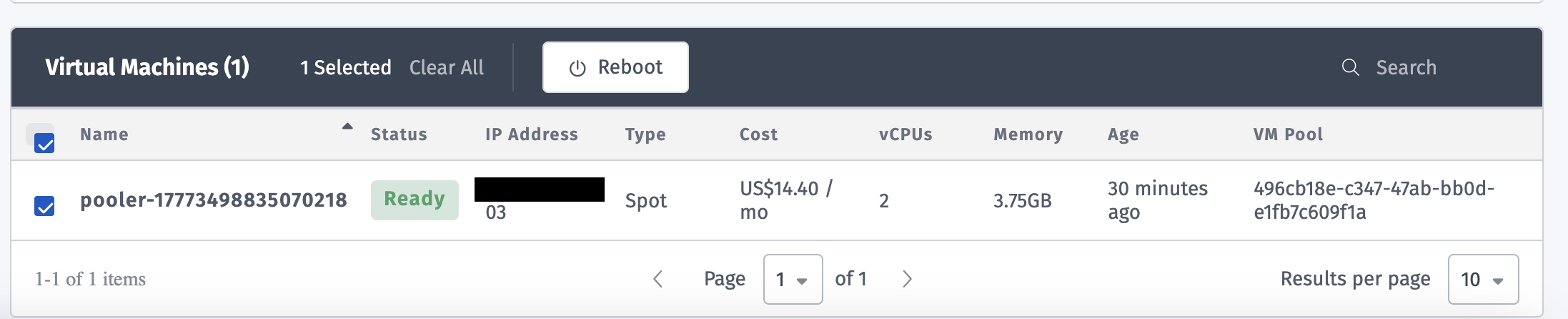
Select the VMs from the list. You can select multiple VM for rebooting at the same time.
Click Reboot.
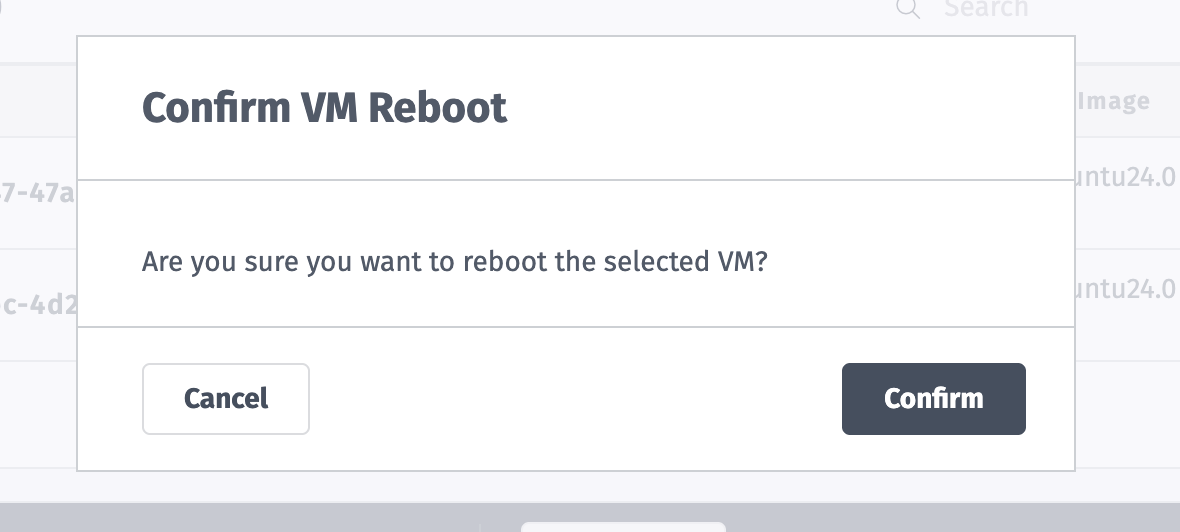
Confirm the action in the dialog.
Use this option when applying updates, resolving performance issues, or restarting services.
Example:
Was this page helpful?